Overview
Convert PNG, JPG, BMP, AVIF and WEBP images into clean, scalable SVG vectors. Preview the result, refine it in Vectorise.Me Studio, and export it for web, print or design.
Drag & Drop Image or Browse Files
PNG, JPG, BMP, AVIF & WEBP
Free to use • No watermarks • Sign in for Pro batch & API access
Already have an SVG or Studio project?
StudioVectorise.Me Studio brings the practical tools together in one calm workspace — so you can go from a first vector trace to a polished, animated design without learning a complicated graphics suite.
Select, move, resize, recolour, simplify, and reshape artwork with a focused SVG editing workspace.
See every colour layer, group related objects, and keep the palette and artwork selection in sync.
Bring in an image, SVG, or Studio project, then convert raster artwork without leaving the editor.
Adjust fills, gradients, palettes, backgrounds, textures, and canvas dimensions while you work.
Turn selected layers into polished motion with presets, timing controls, and a visual timeline.
Prepare clean SVG artwork and animated outputs from the same document when your design is finished.
From upload to download in seconds. No account required for basic conversion — sign in to unlock batch processing and Pro controls.
Drop a JPG, PNG, BMP, WEBP, or AVIF file — up to 15 MB. Oversized images are automatically prepared and resized before conversion to preserve quality. No account needed for a single file.
Choose from quality-first presets tuned for photos, logos, pixel art, technical drawings, illustrations, and more. Adjust colour detail, path smoothing, and speckle filtering to match your source image.
One canonical SVG is created from your image. Export from that master output to SVG, PDF, EPS, DXF, PNG, JPG, or WEBP — no re-processing required. Download individually or as a ZIP batch.
Drag the slider to compare the original image against the vector output. Switch between presets to see how Vectorise.Me handles every image type.
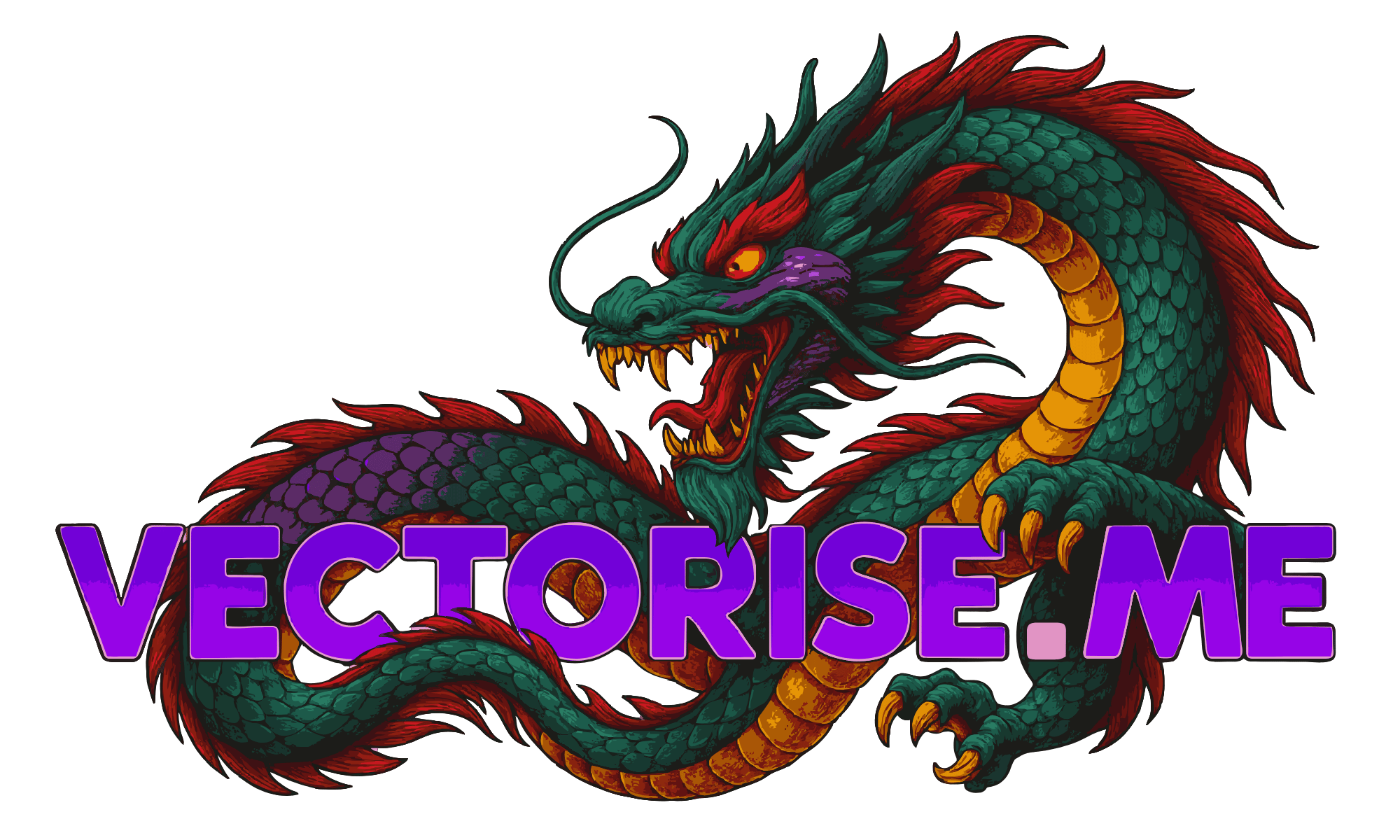
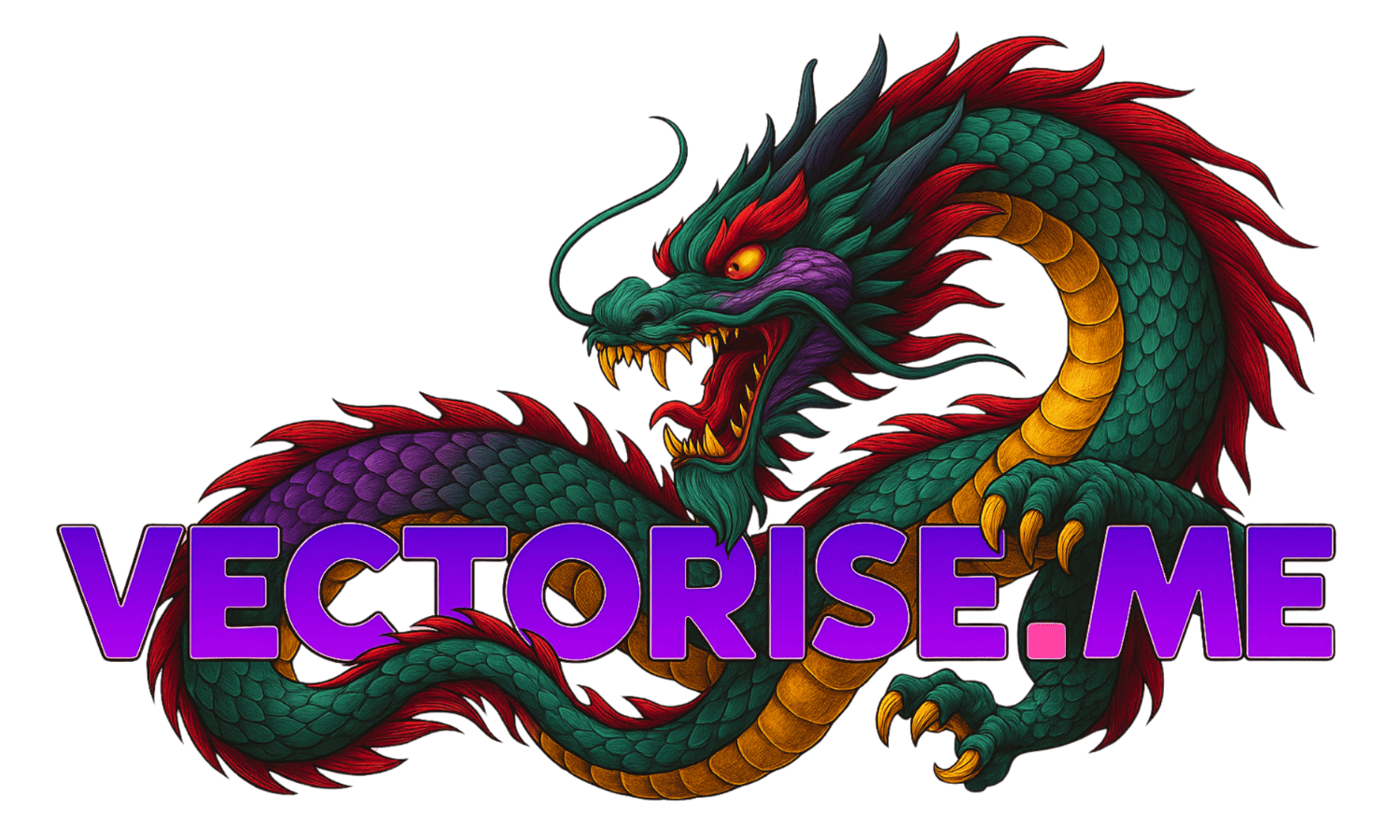
High-detail fantasy illustration with rich colour layers — vectorized into clean, scalable SVG without losing depth or edge fidelity.
Quality-first vectorization engine
Automatic colour extraction & grouping
Drag slider to compare original vs. vector
Download SVG, PDF, EPS, DXF and more
Free to use — no watermarks, no sign-up
One full-page studio after every conversion: draw shapes and edit path nodes, recolour smart colour layers, add handwritten text that writes itself on — real vector letters, like the ones animating here — then stack motion presets on a drag timeline and export SVG, GIF, MP4, PDF and more.
Vectorise.Me is designed around one principle: produce the cleanest vector output from any raster source. Every feature serves that goal, from upload through to final export.
Turn any vectorized image into a seamless endless-loop animation. Smart colour layers, stackable presets (float, pulse, spin, draw-style reveals), live preview, and export as animated SVG, GIF, MP4, or copy-paste HTML/React code.
Intelligent preset profiles automatically tuned for photos, logos, pixel art, technical drawings, and illustrations. Each profile fine-tunes tracing parameters for maximum fidelity.
Automatic palette extraction groups visually similar colours into editable layers. Merge, remap, and recolour SVG layers with precision before downloading — no external editor required.
One canonical SVG powers all export formats. Download as SVG, PDF, EPS, DXF, PNG, JPG, or WEBP without re-running vectorization — every format derives from the same master output.
Handles source images up to 15 MB. Oversized images are automatically prepared and resized before conversion for stable results on low-memory servers.
Cloud-powered vectorization engine with real-time progress tracking and live SVG preview. Convert in seconds and compare original versus result with a split-view or overlay viewer.
Fine-tune colour detail, speckle filtering, corner threshold, and path smoothing. Developer mode exposes raw tracing parameters for full control over the output quality profile.
Sign in to unlock batch processing for up to 20 files simultaneously. Apply vectorization settings across all queued jobs, then download everything as a single ZIP archive.
Sign in to unlock →Integrate Vectorise.Me directly into your workflow via REST API. Automate batch conversions, connect to AI agents, and build vectorization pipelines programmatically.
Sign in to unlock →All converters use the same quality-first vectorization pipeline. Upload once, export to any format — SVG, PDF, EPS, DXF, and more.
Convert PNG, JPG, BMP, AVIF and WEBP images into clean, scalable SVG vectors. Preview the result, refine it in Vectorise.Me Studio, and export it for web, print or design.
Drag & Drop Image or Browse Files
PNG, JPG, BMP, AVIF & WEBP
Your image size exceeds the 2 MP limit. For best results, please crop to the portion you wish to vectorize.
Vectorise.Me offers a straightforward and powerful solution to convert your raster images like JPEGs and PNGs into scalable SVG vector graphics. Whether you're a designer, developer, or hobbyist, our tool is built to be accessible and effective.
Simply drag and drop your PNG, JPG, BMP, AVIF or WEBP file into the upload area, or click to browse and select your image. Our converter supports files up to 15 MB.
Once uploaded, you can proceed with default settings or dive into advanced options. Adjust color details, tracing modes, path precision, and more to fine-tune your vector output. Use presets as a starting point for common image types.
See a live preview of your SVG as you adjust settings. Compare it with the original using our slider tool. When you're satisfied, download your crisp, clean SVG file instantly – no sign-up required!
Basic image-to-SVG conversion is free and supported by advertising. Sign in for Pro features such as batch processing, advanced controls, priority processing and additional export formats.
Perfect starting point for most common image types with mixed detail.
Provides a balanced trade-off between detail preservation and file size.
Works great for web graphics, icons, and mixed-content images.
Optimized for sharp edges and solid blocks of color.
Reduces noise and speckles to create clean, scalable brand assets.
High corner threshold ensures crisp, well-defined shapes.
Uses the special 'Pixel' mode to create perfect, grid-aligned squares.
Disables filtering and smoothing to preserve the authentic pixelated aesthetic.
Generates extremely efficient and small SVG files ideal for game assets.
Excels at capturing the smooth, curved lines of digital and scanned drawings.
'Spline' mode ensures organic shapes and paths are rendered beautifully.
Maintains full depth to preserve shading from your sketch.
Transforms complex illustrations into stylized vector art.
Uses a high color count and gradient smoothing for a posterized, artistic effect.
Increase 'Filter Speckle' to manage the inherent complexity of photographic details.
Everything you need to know about vectorization, formats, Pro features, and the API.
Yes. Basic single-file vectorization is completely free with no account required. Upload an image, vectorize it, and download your SVG — no sign-up, no watermarks, no limits on conversions.
Basic users can vectorize one file at a time and download SVG, PDF, PNG, JPG, and WEBP with ads. Pro users ($5.99/mo or $59.99/yr) go ad-free and unlock batch processing for up to 20 files, EPS and DXF export, 500 API credits per month, API key access, and priority processing.
SVG (always available), PDF, PNG, JPG, and WEBP are free for everyone. EPS (print industry standard) and DXF (CAD/laser cutter) require a Pro account. All formats are generated from the same canonical SVG output — no re-processing needed.
JPG (JPEG), PNG, BMP, WEBP, and AVIF are accepted up to 15 MB. Large images are automatically prepared before conversion to keep tracing stable and fast. Transparent backgrounds (PNG/WEBP/AVIF) are handled correctly.
Each preset tunes the tracing engine for a specific image type: General (good all-rounder), Pixel Art (exact edges), Technical (diagrams), Illustration (smooth curves), Clipart & Logo (minimal flat paths), Cartoon (bold fills), Photograph (rich colour gradients). The engine also auto-detects the best profile for your image.
Sign in, open API Keys in your dashboard, click "New Key", give it a name, and copy the raw key immediately — it is shown once only. Add it to your agent as VECTORISE_API_KEY and send it in the X-API-Key header.
Pro subscribers get 500 API credits/month included. Extra credits: $5.99 for 500 ($0.012 each), $14.99 for 1,500 ($0.010 each), $29.99 for 4,000 ($0.0075 each). Buy them from the Pricing page with card checkout, then track the balance in /app → Usage. Other vectorization services typically charge 5–20× more per image.
Very fast. The Vectorise.Me conversion engine is optimised for low latency — most images complete in under 2 seconds. There is no GPU queue or waiting for external services. The API supports 200 requests per minute for API key callers.
Anonymous visitors: 5 requests/min. Free signed-in accounts: 20/min. Pro subscribers via web: 100/min. API key callers: 200/min. Exceed the limit and you receive a 429 response. Limits reset every 60 seconds.
No. Uploaded images are held in memory or a temporary file only for the duration of processing, then automatically deleted. We do not retain, index, or use your images for any other purpose. See our Privacy Policy for full details.
Yes. The SVG output belongs to you. You may use it commercially, in client work, or embedded in your own application. If you are integrating via API, the Pro plan includes the rights to use the output in your product.
Open the Billing tab in your dashboard and click "Manage Billing" to access the Stripe Customer Portal. You can cancel, pause, or change your plan there. Your access continues until the end of the billing period you already paid for.
Credit and debit cards (Visa, Mastercard, Amex, and more) via Stripe Checkout for everything. Credit packs can also be paid with crypto via NOWPayments — BTC, USDC (Solana, Base, Ethereum, Polygon), SOL, ETH, and USDT. No PayPal or wire transfer at this time.
Yes. The web application is fully responsive and works on all modern mobile browsers. Upload from your camera roll, vectorize, and download on any device — no app install needed.
Use the Contact page or email support. For bugs, include the image type, preset used, and a screenshot if possible. Feature requests are welcome — the roadmap is driven by user feedback.