Free
No Watermarks
No Account Required
Up to 25 MB

De Enige GRATIS en AANPASBARE Vectorizer

Zet rasterafbeeldingen (PNG, JPG, BMP & WEBP) direct online om in scherpe, oneindig schaalbare SVG-vectoren. Biedt geavanceerde overtrekopties met handige presets voor nauwkeurige resultaten.

Free to use  •  No watermarks  •  Sign in for Pro batch & API access

5,000+
Active Users
Millions
Images Converted
8
Output Formats
7
Quality Presets
SPONSORED
How It Works

Three steps to perfect vectors

From upload to download in seconds. No account required for basic conversion — sign in to unlock batch processing and Pro controls.

01

Upload Your Image

Drop a JPG, PNG, BMP, or WEBP file — up to 25 MB. Oversized images are automatically prepared and resized before conversion to preserve quality. No account needed for a single file.

02

Vectorize with Quality Presets

Choose from quality-first presets tuned for photos, logos, pixel art, technical drawings, illustrations, and more. Adjust colour detail, path smoothing, and speckle filtering to match your source image.

03

Download in Any Format

One canonical SVG is created from your image. Export from that master output to SVG, PDF, EPS, DXF, PNG, JPG, or WEBP — no re-processing required. Download individually or as a ZIP batch.


Live Examples

Unlock Your Creativity. In Vector.

Drag the slider to compare the original image against the vector output. Switch between presets to see how Vectorise.Me handles every image type.

VECTORIMAGE
◀▶
IMAGEVECTOR
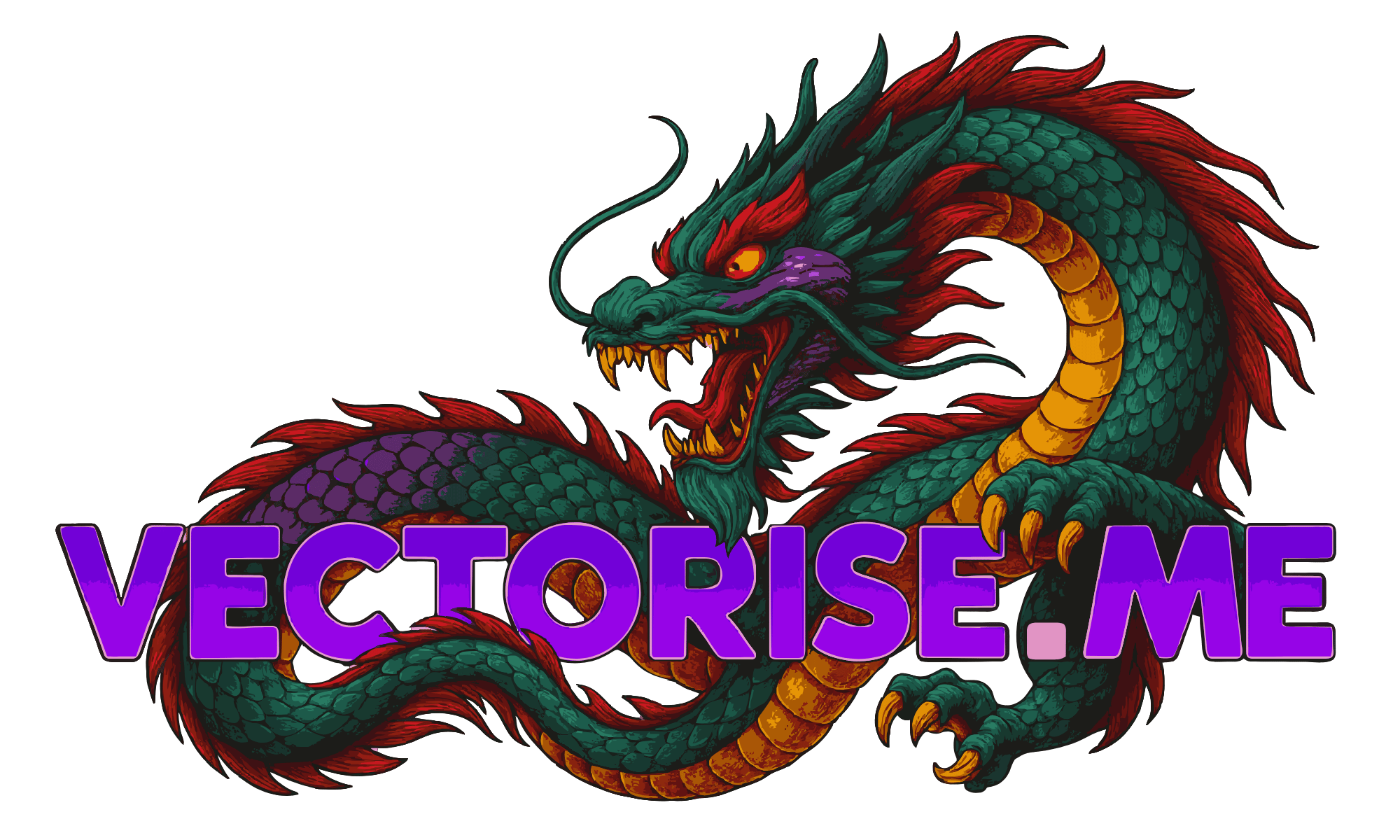
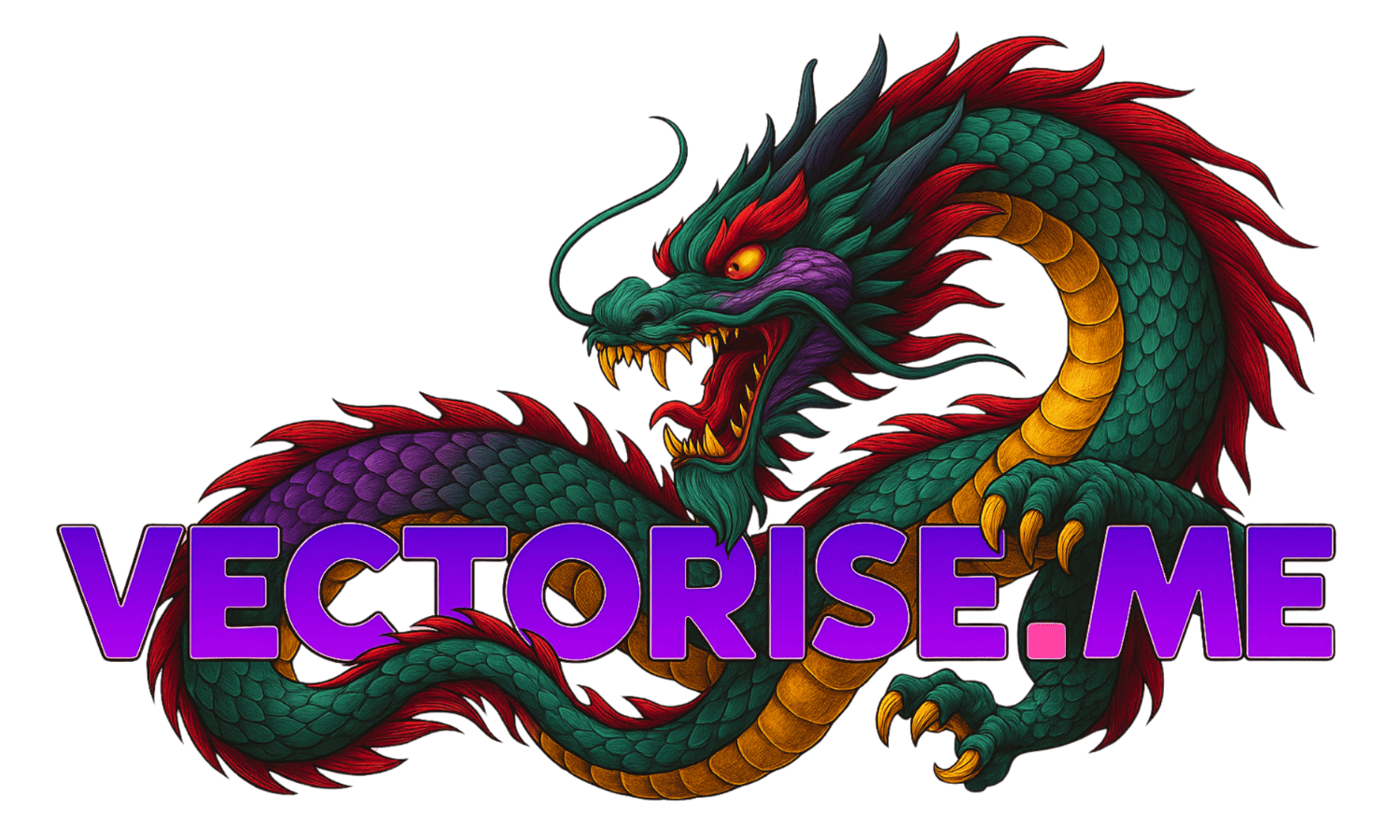
Dragon Preset

High-detail fantasy illustration with rich colour layers — vectorized into clean, scalable SVG without losing depth or edge fidelity.

Quality-first vectorization engine

Automatic colour extraction & grouping

Drag slider to compare original vs. vector

Download SVG, PDF, EPS, DXF and more

Free to use — no watermarks, no sign-up

Everything You Need

Purpose-built for quality output

Vectorise.Me is designed around one principle: produce the cleanest vector output from any raster source. Every feature serves that goal, from upload through to final export.

Core
Quality-First Vectorization

Intelligent preset profiles automatically tuned for photos, logos, pixel art, technical drawings, and illustrations. Each profile fine-tunes tracing parameters for maximum fidelity.

Core
Smart Colour Grouping

Automatic palette extraction groups visually similar colours into editable layers. Merge, remap, and recolour SVG layers with precision before downloading — no external editor required.

Core
Multi-Format Export

One canonical SVG powers all export formats. Download as SVG, PDF, EPS, DXF, PNG, JPG, or WEBP without re-running vectorization — every format derives from the same master output.

Upload
Large Image Support

Handles source images up to 25 MB. Oversized inputs are automatically prepared and resized before conversion to maintain stable, high-quality results across all image sizes.

Speed
Instant Cloud Processing

Cloud-powered vectorization engine with real-time progress tracking and live SVG preview. Convert in seconds and compare original versus result with a split-view or overlay viewer.

Settings
Advanced Quality Controls

Fine-tune colour detail, speckle filtering, corner threshold, and path smoothing. Developer mode exposes raw tracing parameters for full control over the output quality profile.

Pro
Pro Batch Processing

Sign in to unlock batch processing for up to 20 files simultaneously. Apply vectorization settings across all queued jobs, then download everything as a single ZIP archive.

Sign in to unlock →
API
Agent & API Access

Integrate Vectorise.Me directly into your workflow via REST API. Automate batch conversions, connect to AI agents, and build vectorization pipelines programmatically.

Sign in to unlock →
SPONSORED

Overview

Zet rasterafbeeldingen (PNG, JPG, BMP & WEBP) direct online om in scherpe, oneindig schaalbare SVG-vectoren. Biedt geavanceerde overtrekopties met handige presets voor nauwkeurige resultaten.

Sleep Afbeelding & Zet Neer of Blader door Bestanden

PNG, JPG, BMP & WEBP

Groot Vectorise.Me Logo

Vooraf bijsnijden

Uw afbeeldingsgrootte overschrijdt de limiet van 2 MP. Voor de beste resultaten, snijd alstublieft het gedeelte bij dat u wilt vectoriseren.

Eenvoudige, Snelle en Gratis Afbeelding Vectorisatie

Vectorise.Me biedt een duidelijke en krachtige oplossing om uw rasterafbeeldingen zoals JPEGs en PNGs om te zetten in schaalbare SVG-vectorafbeeldingen. Of u nu een ontwerper, ontwikkelaar of hobbyist bent, onze tool is gebouwd om toegankelijk en effectief te zijn.

1. Upload uw Afbeelding

Sleep eenvoudig uw PNG-, JPG-, BMP- of WEBP-bestand naar het uploadgebied, of klik om uw afbeelding te zoeken en te selecteren. Onze converter ondersteunt bestanden tot 25MB.

2. Pas Instellingen Aan (Optioneel)

Eenmaal geüpload, kunt u doorgaan met de standaardinstellingen of de geavanceerde opties verkennen. Pas kleurdetails, overtrekmodi, padprecisie en meer aan om uw vectoruitvoer te verfijnen. Gebruik presets als uitgangspunt voor gangbare afbeeldingssoorten.

3. Voorbeeld & Download

Bekijk een live voorbeeld van uw SVG terwijl u de instellingen aanpast. Vergelijk het met het origineel met onze schuifregelaar. Wanneer u tevreden bent, downloadt u uw scherpe, schone SVG-bestand direct – geen registratie vereist!

Onze dienst is volledig gratis, ondersteund door advertenties, waardoor we krachtige vectorisatiemogelijkheden voor iedereen kunnen bieden. Geniet van onbeperkte conversies zonder watermerken of beperkingen op de uitvoer.

Ontgrendel Je Creativiteit. In Vector.

Gebalanceerd & Algemeen Doel

  • Perfect startpunt voor de meeste gangbare afbeeldingstypen met gemengde details.

  • Biedt een gebalanceerde afweging tussen detailbehoud en bestandsgrootte.

  • Werkt geweldig voor webafbeeldingen, iconen en afbeeldingen met gemengde inhoud.

Clipart & Logo's

  • Geoptimaliseerd voor scherpe randen en egale kleurblokken.

  • Vermindert ruis en spikkels om schone, schaalbare merkmaterialen te creëren.

  • Hoge hoekdrempel zorgt voor scherpe, goed gedefinieerde vormen.

Pixel Art Perfectie

  • Gebruikt de speciale 'Pixel'-modus om perfecte, op het raster uitgelijnde vierkanten te creëren.

  • Schakelt filtering en vloeiend maken uit om de authentieke pixel-esthetiek te behouden.

  • Genereert extreem efficiënte en kleine SVG-bestanden, ideaal voor game-assets.

Technische Tekeningen

  • Blinkt uit in het vastleggen van de vloeiende, gebogen lijnen van digitale en gescande tekeningen.

  • 'Spline'-modus zorgt ervoor dat organische vormen en paden prachtig worden weergegeven.

  • Behoudt de volledige diepte om schaduwen uit uw schets te bewaren.

Illustratie/Grafiek

  • Transformeert complexe illustraties in gestileerde vectorkunst.

  • Gebruikt een hoog aantal kleuren en vloeiende verlopen voor een posterachtig, artistiek effect.

  • Verhoog 'Spikkels Filteren' om de inherente complexiteit van fotografische details te beheren.

From The Blog

Guides, tutorials & deep dives

All Articles
FAQ

Frequently asked questions

Everything you need to know about vectorization, formats, Pro features, and the API.

Yes. Basic single-file vectorization is completely free with no account required. Upload an image, vectorize it, and download your SVG — no sign-up, no watermarks, no limits on conversions.

Basic users can vectorize one file at a time and download SVG, PDF, PNG, JPG, and WEBP. Pro users ($5.99/mo or $59.99/yr) unlock batch processing for up to 20 files, EPS and DXF export, 1,500 API credits per month, API key access, and priority processing.

SVG (always available), PDF, PNG, JPG, and WEBP are free for everyone. EPS (print industry standard) and DXF (CAD/laser cutter) require a Pro account. All formats are generated from the same canonical SVG output — no re-processing needed.

JPG (JPEG), PNG, BMP, and WEBP are accepted up to 25 MB. Images over 2 megapixels are automatically prepared before conversion to keep tracing stable and fast. Transparent backgrounds (PNG/WEBP) are handled correctly.

Each preset tunes the tracing engine for a specific image type: General (good all-rounder), Pixel Art (exact edges), Technical (diagrams), Illustration (smooth curves), Clipart & Logo (minimal flat paths), Cartoon (bold fills), Photograph (rich colour gradients). The engine also auto-detects the best profile for your image.

Sign in, upgrade to Pro, then open the API Keys tab in your dashboard. Click "New Key", give it a name, and copy the raw key immediately — it is shown once only. Use the key in the X-API-Key header on every request.

Pro subscribers get 1,500 API credits/month included. Extra credits: $5.99 for 500 ($0.012 each), $14.99 for 1,500 ($0.010 each), $29.99 for 4,000 ($0.0075 each). No subscription required for credit packs — buy once and use anytime. Other vectorization services typically charge 5–20× more per image.

Yes. Credit packs can be purchased with USDC stablecoin via Coinbase Commerce — no credit card required. This is ideal for AI agents that hold crypto wallets. Call POST /api/crypto/create-charge to get a payment URL programmatically.

Very fast. The Vectorise.Me conversion engine is optimised for low latency — most images complete in under 2 seconds. There is no GPU queue or waiting for external services. The API supports 200 requests per minute for API key callers.

Anonymous visitors: 5 requests/min. Free signed-in accounts: 20/min. Pro subscribers via web: 100/min. API key (Pro): 200/min. Exceed the limit and you receive a 429 response. Limits reset every 60 seconds.

No. Uploaded images are held in memory or a temporary file only for the duration of processing, then automatically deleted. We do not retain, index, or use your images for any other purpose. See our Privacy Policy for full details.

Yes. The SVG output belongs to you. You may use it commercially, in client work, or embedded in your own application. If you are integrating via API, the Pro plan includes the rights to use the output in your product.

Open the Billing tab in your dashboard and click "Manage Billing" to access the Stripe Customer Portal. You can cancel, pause, or change your plan there. Your access continues until the end of the billing period you already paid for.

Credit and debit cards (Visa, Mastercard, Amex, and more) via Stripe Checkout. USDC stablecoin via Coinbase Commerce (Ethereum, Polygon, Base, and other networks). No PayPal or wire transfer at this time.

Yes. The web application is fully responsive and works on all modern mobile browsers. Upload from your camera roll, vectorize, and download on any device — no app install needed.

Use the Contact page or email support. For bugs, include the image type, preset used, and a screenshot if possible. Feature requests are welcome — the roadmap is driven by user feedback.

SPONSORED
Gratis Online Afbeelding naar SVG Converter | Vectorise.Me