Free
No Watermarks
No Account Required
Up to 25 MB

Der Einzige KOSTENLOSE und ANPASSBARE Vektorisierer

Konvertieren Sie Rasterbilder (PNG, JPG, BMP & WEBP) sofort online in scharfe, unendlich skalierbare SVG-Vektoren. Bietet erweiterte Vektorisierungsoptionen mit hilfreichen Voreinstellungen für präzise Ergebnisse.

Free to use  •  No watermarks  •  Sign in for Pro batch & API access

5,000+
Active Users
Millions
Images Converted
8
Output Formats
7
Quality Presets
SPONSORED
How It Works

Three steps to perfect vectors

From upload to download in seconds. No account required for basic conversion — sign in to unlock batch processing and Pro controls.

01

Upload Your Image

Drop a JPG, PNG, BMP, or WEBP file — up to 25 MB. Oversized images are automatically prepared and resized before conversion to preserve quality. No account needed for a single file.

02

Vectorize with Quality Presets

Choose from quality-first presets tuned for photos, logos, pixel art, technical drawings, illustrations, and more. Adjust colour detail, path smoothing, and speckle filtering to match your source image.

03

Download in Any Format

One canonical SVG is created from your image. Export from that master output to SVG, PDF, EPS, DXF, PNG, JPG, or WEBP — no re-processing required. Download individually or as a ZIP batch.


Live Examples

Unlock Your Creativity. In Vector.

Drag the slider to compare the original image against the vector output. Switch between presets to see how Vectorise.Me handles every image type.

VECTORIMAGE
◀▶
IMAGEVECTOR
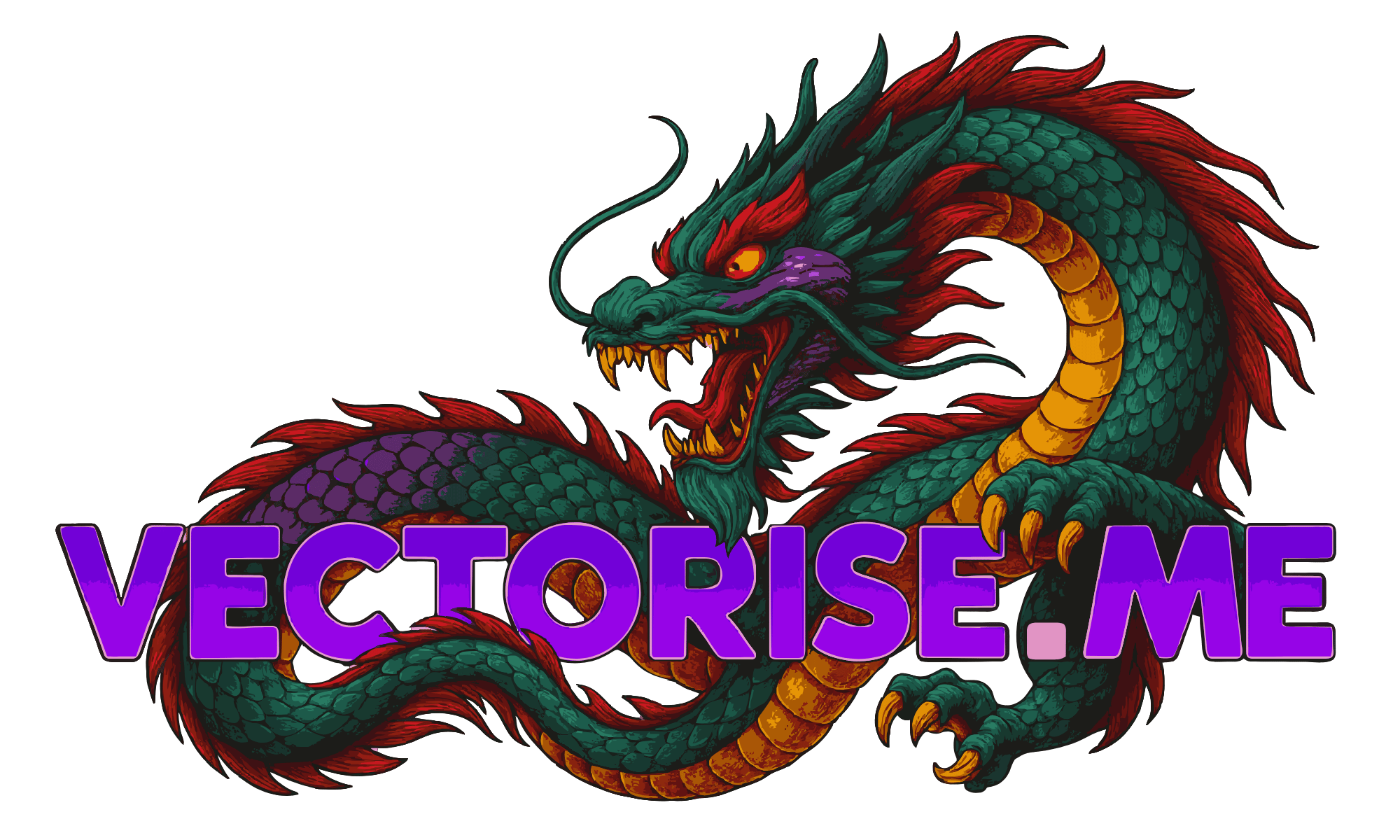
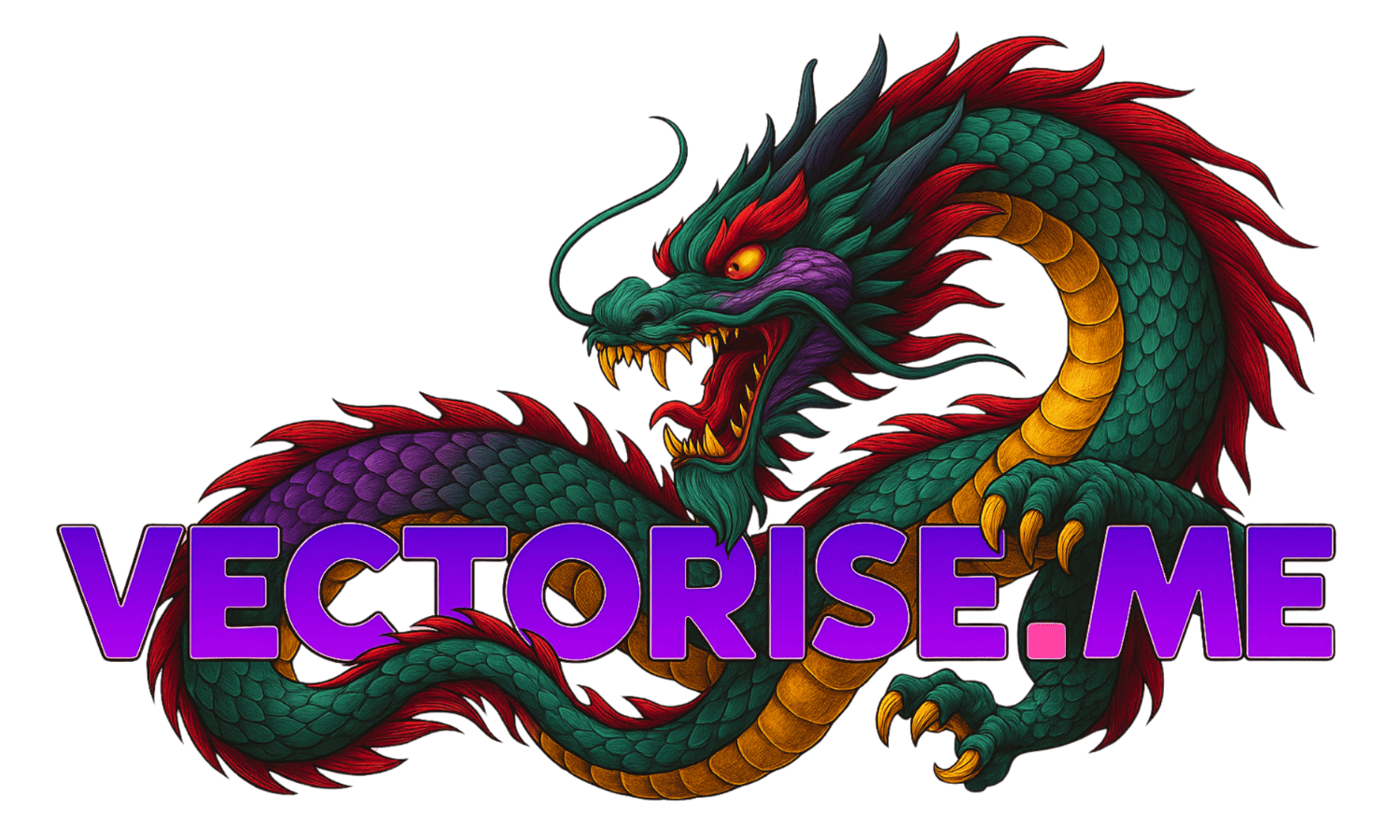
Dragon Preset

High-detail fantasy illustration with rich colour layers — vectorized into clean, scalable SVG without losing depth or edge fidelity.

Quality-first vectorization engine

Automatic colour extraction & grouping

Drag slider to compare original vs. vector

Download SVG, PDF, EPS, DXF and more

Free to use — no watermarks, no sign-up

Everything You Need

Purpose-built for quality output

Vectorise.Me is designed around one principle: produce the cleanest vector output from any raster source. Every feature serves that goal, from upload through to final export.

Core
Quality-First Vectorization

Intelligent preset profiles automatically tuned for photos, logos, pixel art, technical drawings, and illustrations. Each profile fine-tunes tracing parameters for maximum fidelity.

Core
Smart Colour Grouping

Automatic palette extraction groups visually similar colours into editable layers. Merge, remap, and recolour SVG layers with precision before downloading — no external editor required.

Core
Multi-Format Export

One canonical SVG powers all export formats. Download as SVG, PDF, EPS, DXF, PNG, JPG, or WEBP without re-running vectorization — every format derives from the same master output.

Upload
Large Image Support

Handles source images up to 25 MB. Oversized inputs are automatically prepared and resized before conversion to maintain stable, high-quality results across all image sizes.

Speed
Instant Cloud Processing

Cloud-powered vectorization engine with real-time progress tracking and live SVG preview. Convert in seconds and compare original versus result with a split-view or overlay viewer.

Settings
Advanced Quality Controls

Fine-tune colour detail, speckle filtering, corner threshold, and path smoothing. Developer mode exposes raw tracing parameters for full control over the output quality profile.

Pro
Pro Batch Processing

Sign in to unlock batch processing for up to 20 files simultaneously. Apply vectorization settings across all queued jobs, then download everything as a single ZIP archive.

Sign in to unlock →
API
Agent & API Access

Integrate Vectorise.Me directly into your workflow via REST API. Automate batch conversions, connect to AI agents, and build vectorization pipelines programmatically.

Sign in to unlock →
SPONSORED

Overview

Konvertieren Sie Rasterbilder (PNG, JPG, BMP & WEBP) sofort online in scharfe, unendlich skalierbare SVG-Vektoren. Bietet erweiterte Vektorisierungsoptionen mit hilfreichen Voreinstellungen für präzise Ergebnisse.

Bild per Drag & Drop oder Dateien durchsuchen

PNG, JPG, BMP & WEBP

Vectorise.Me Großes Logo

Vor-Zuschneiden

Ihre Bildgröße überschreitet das 2-MP-Limit. Für beste Ergebnisse schneiden Sie bitte den Teil zu, den Sie vektorisieren möchten.

Einfache, schnelle und kostenlose Bildvektorisierung

Vectorise.Me bietet eine unkomplizierte und leistungsstarke Lösung, um Ihre Rasterbilder wie JPEGs und PNGs in skalierbare SVG-Vektorgrafiken umzuwandeln. Ob Sie Designer, Entwickler oder Hobbyist sind, unser Werkzeug ist so konzipiert, dass es zugänglich und effektiv ist.

1. Laden Sie Ihr Bild hoch

Ziehen Sie einfach Ihre PNG-, JPG-, BMP- oder WEBP-Datei in den Upload-Bereich oder klicken Sie, um Ihr Bild zu durchsuchen und auszuwählen. Unser Konverter unterstützt Dateien bis zu 25 MB.

2. Einstellungen anpassen (Optional)

Nach dem Hochladen können Sie mit den Standardeinstellungen fortfahren oder in die erweiterten Optionen eintauchen. Passen Sie Farbdetails, Vektorisierungsmodi, Pfadpräzision und mehr an, um Ihr Vektor-Ergebnis zu verfeinern. Verwenden Sie Voreinstellungen als Ausgangspunkt für gängige Bildtypen.

3. Vorschau & Download

Sehen Sie eine Live-Vorschau Ihrer SVG, während Sie die Einstellungen anpassen. Vergleichen Sie sie mit dem Original mit unserem Schieberegler. Wenn Sie zufrieden sind, laden Sie Ihre scharfe, saubere SVG-Datei sofort herunter – keine Anmeldung erforderlich!

Unser Service ist völlig kostenlos und wird durch Werbung unterstützt, was es uns ermöglicht, leistungsstarke Vektorisierungsfunktionen für jedermann bereitzustellen. Genießen Sie unbegrenzte Konvertierungen ohne Wasserzeichen oder Einschränkungen bei der Ausgabe.

Entfesseln Sie Ihre Kreativität. In Vektor.

Ausgewogen & Allgemein

  • Perfekter Ausgangspunkt für die gängigsten Bildtypen mit gemischten Details.

  • Bietet einen ausgewogenen Kompromiss zwischen Detailerhalt und Dateigröße.

  • Funktioniert hervorragend für Webgrafiken, Icons und Bilder mit gemischtem Inhalt.

Clipart & Logos

  • Optimiert für scharfe Kanten und einfarbige Blöcke.

  • Reduziert Rauschen und Flecken, um saubere, skalierbare Marken-Assets zu erstellen.

  • Ein hoher Eckenschwellenwert sorgt für scharfe, gut definierte Formen.

Perfektion in Pixelkunst

  • Verwendet den speziellen 'Pixel'-Modus, um perfekte, gitter-ausgerichtete Quadrate zu erstellen.

  • Deaktiviert Filterung und Glättung, um die authentische pixelige Ästhetik zu bewahren.

  • Erzeugt extrem effiziente und kleine SVG-Dateien, ideal für Spiel-Assets.

Technische Zeichnungen

  • Hervorragend geeignet, um die glatten, geschwungenen Linien von digitalen und gescannten Zeichnungen zu erfassen.

  • Der 'Spline'-Modus sorgt dafür, dass organische Formen und Pfade wunderschön gerendert werden.

  • Behält die volle Tiefe bei, um die Schattierung Ihrer Skizze zu bewahren.

Illustration/Grafik

  • Verwandelt komplexe Illustrationen in stilisierte Vektorgrafiken.

  • Verwendet eine hohe Farbanzahl und Gradientenglättung für einen posterisierten, künstlerischen Effekt.

  • Erhöhen Sie 'Flecken filtern', um die inhärente Komplexität fotografischer Details zu bewältigen.

From The Blog

Guides, tutorials & deep dives

All Articles
FAQ

Frequently asked questions

Everything you need to know about vectorization, formats, Pro features, and the API.

Yes. Basic single-file vectorization is completely free with no account required. Upload an image, vectorize it, and download your SVG — no sign-up, no watermarks, no limits on conversions.

Basic users can vectorize one file at a time and download SVG, PDF, PNG, JPG, and WEBP. Pro users ($5.99/mo or $59.99/yr) unlock batch processing for up to 20 files, EPS and DXF export, 1,500 API credits per month, API key access, and priority processing.

SVG (always available), PDF, PNG, JPG, and WEBP are free for everyone. EPS (print industry standard) and DXF (CAD/laser cutter) require a Pro account. All formats are generated from the same canonical SVG output — no re-processing needed.

JPG (JPEG), PNG, BMP, and WEBP are accepted up to 25 MB. Images over 2 megapixels are automatically prepared before conversion to keep tracing stable and fast. Transparent backgrounds (PNG/WEBP) are handled correctly.

Each preset tunes the tracing engine for a specific image type: General (good all-rounder), Pixel Art (exact edges), Technical (diagrams), Illustration (smooth curves), Clipart & Logo (minimal flat paths), Cartoon (bold fills), Photograph (rich colour gradients). The engine also auto-detects the best profile for your image.

Sign in, upgrade to Pro, then open the API Keys tab in your dashboard. Click "New Key", give it a name, and copy the raw key immediately — it is shown once only. Use the key in the X-API-Key header on every request.

Pro subscribers get 1,500 API credits/month included. Extra credits: $5.99 for 500 ($0.012 each), $14.99 for 1,500 ($0.010 each), $29.99 for 4,000 ($0.0075 each). No subscription required for credit packs — buy once and use anytime. Other vectorization services typically charge 5–20× more per image.

Yes. Credit packs can be purchased with USDC stablecoin via Coinbase Commerce — no credit card required. This is ideal for AI agents that hold crypto wallets. Call POST /api/crypto/create-charge to get a payment URL programmatically.

Very fast. The Vectorise.Me conversion engine is optimised for low latency — most images complete in under 2 seconds. There is no GPU queue or waiting for external services. The API supports 200 requests per minute for API key callers.

Anonymous visitors: 5 requests/min. Free signed-in accounts: 20/min. Pro subscribers via web: 100/min. API key (Pro): 200/min. Exceed the limit and you receive a 429 response. Limits reset every 60 seconds.

No. Uploaded images are held in memory or a temporary file only for the duration of processing, then automatically deleted. We do not retain, index, or use your images for any other purpose. See our Privacy Policy for full details.

Yes. The SVG output belongs to you. You may use it commercially, in client work, or embedded in your own application. If you are integrating via API, the Pro plan includes the rights to use the output in your product.

Open the Billing tab in your dashboard and click "Manage Billing" to access the Stripe Customer Portal. You can cancel, pause, or change your plan there. Your access continues until the end of the billing period you already paid for.

Credit and debit cards (Visa, Mastercard, Amex, and more) via Stripe Checkout. USDC stablecoin via Coinbase Commerce (Ethereum, Polygon, Base, and other networks). No PayPal or wire transfer at this time.

Yes. The web application is fully responsive and works on all modern mobile browsers. Upload from your camera roll, vectorize, and download on any device — no app install needed.

Use the Contact page or email support. For bugs, include the image type, preset used, and a screenshot if possible. Feature requests are welcome — the roadmap is driven by user feedback.

SPONSORED
Kostenloser Online-Bild-zu-SVG-Konverter | Vectorise.Me